


IndiGo OK to Board: UAE Rules & Required Documents
Check IndiGo OK to Board requirements for UAE flights, including passport categories, visa documents, exemptions, and confirming clearance before departure.
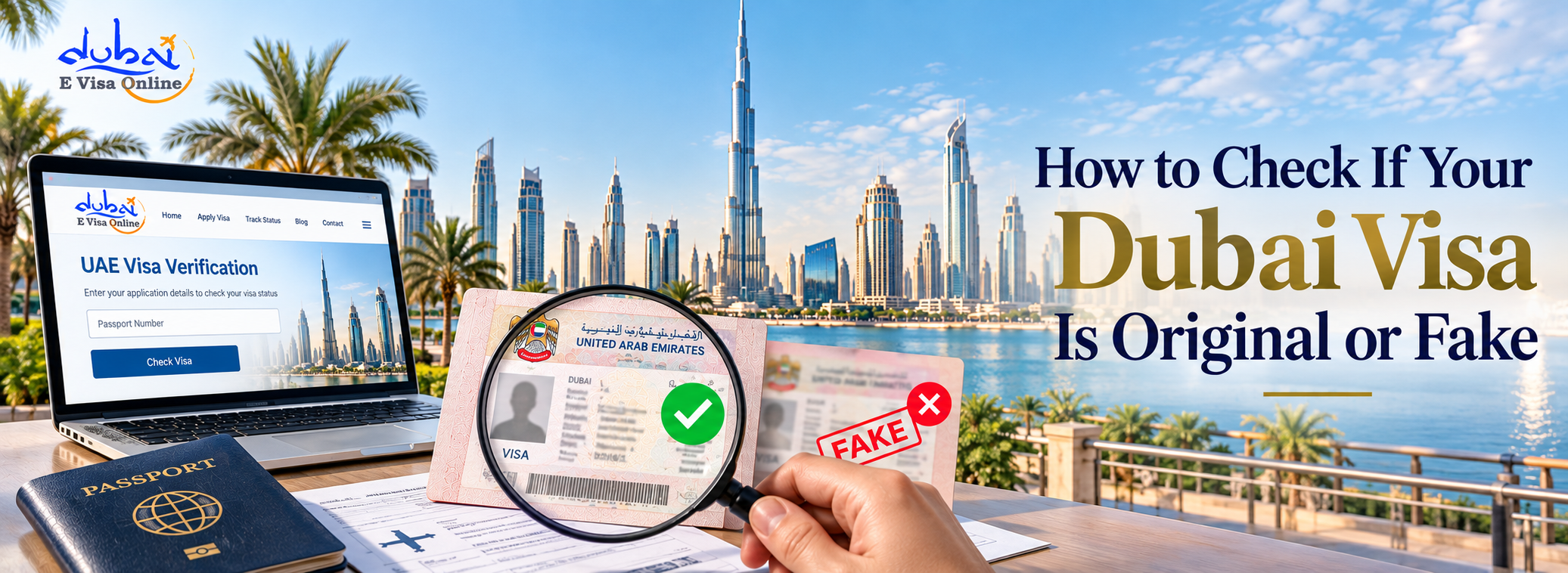
Every year, thousands of travellers fall victim to fake or forged Dubai visas. The consequences are severe — denied boarding at the airport, rejection at UAE immigration, financial loss, and in some cases, a travel ban. The problem is growing: as Dubai's tourism surges, so do organised visa fraud networks targeting unsuspecting travellers.
Dubai is one of the most visited destinations in the world, attracting millions of travellers every year. Because of this high demand for travel, cases of fake or forged Dubai visas have also increased. Many travellers only realise the problem when they reach the airport or immigration counter, which can result in denied boarding, financial loss, or travel disruption.
Knowing how to check if your Dubai visa is original or fake is therefore extremely important before planning your journey. Verifying your visa ensures that the document you received is genuine and registered in the UAE immigration system.
The surge in Dubai visa fraud is driven by a predictable formula: high demand, low awareness, and cheap online scammers posing as legitimate travel agents.
The most common fraud patterns include:
UAE immigration authorities and airlines have responded with strict verification tools — most notably the OK-to-Board (OTB) system — but travellers must also take personal responsibility for checking their visa's authenticity before flying.
While visual inspection alone cannot confirm authenticity, there are several warning signs that suggest a visa may be fraudulent.
Every genuine Dubai visa contains a unique entry permit number. This number is used by UAE immigration to locate your visa record in their system. If your visa document has no entry permit number, or if the number appears blurred, edited, or inconsistently formatted, treat it as suspicious immediately.
Authentic UAE visas include a machine-readable barcode or QR code. This code is scanned at the airport to pull up your visa record. Fake visas often contain barcodes that are blurry, incomplete, or simply decorative — they cannot be scanned to return any valid record.
Genuine Dubai visas follow a strictly standardised government format. Common signs of a forged document include mismatched font sizes or styles, inconsistent spacing, incorrect logos or watermarks, incorrect flag or seal placement, and formatting differences between the header and body of the document.
If you applied through a travel agency, check whether the agency name on the visa corresponds to a government-registered sponsor. Unregistered or unknown sponsors are a strong indicator that the visa is fraudulent.
A legitimate Dubai tourist visa has a regulated cost. If you paid significantly less than the official price or received a suspiciously fast "instant approval", there is a real risk your document was fabricated rather than officially processed.
The only way to definitively confirm whether your Dubai visa is genuine is by checking it against the official UAE immigration database. There are two government-approved methods for this.
AMER is the official UAE government platform for visa-related enquiries. It is the primary tool for verifying whether a Dubai visa is registered as authentic.
Steps to check your visa on AMER AE:
What the result means:
Note: AMER is the primary verification tool for Dubai and Sharjah-issued visas. Use this method first before relying on any other platform.
The GDRFA (General Directorate of Residency and Foreigners Affairs) mobile app provides a secondary method to verify a Dubai-issued visa.
Steps:
If your visa details appear and match your document, the visa is original. If the entry permit number returns no results, the visa is fraudulent.
Note: The GDRFA app is best for checking whether a visa physically exists in the system. For checking visa validity dates and expiry status, refer to our separate online visa verification guide.
The UAE has introduced the OK-to-Board (OTB) process as an additional safeguard for travellers from high-risk nationalities, including India, Pakistan, Bangladesh, and Sri Lanka. Under this system, the airline checks your visa against the UAE immigration database before issuing a boarding pass.
If your visa is fake or not registered, the airline's OTB check will flag it — and you will be denied boarding before you even reach Dubai immigration. This is why it is critical to verify your visa yourself before you arrive at the airport.
Waiting for the airline to discover the problem means you have already:
Proactive self-verification using AMER AE is the best way to prevent this scenario.
Everything To Know About Ok To Board For Dubai Visa
Many people search for a "Dubai original visa image" to compare their document visually. While a side-by-side comparison can sometimes reveal obvious errors, visual inspection is not a reliable method for detecting fake visas.
Modern forgeries are sophisticated. Fake visas are often designed to look indistinguishable from genuine ones. Some fraudsters even use genuine visa numbers stolen from other applicants, meaning the visual content of the document may appear completely legitimate.
The only trustworthy method is database verification through AMER AE or GDRFA — not visual comparison.
Prevention is far easier than dealing with the consequences of a fake visa. Follow these steps to protect yourself:
One way to assess whether a visa agency is legitimate is to check what documents they request. Mandatory documents for a Dubai tourist visa include:
Supporting documents that improve credibility but are not always mandatory:
If an agency requests unusual documents, asks for excessive personal information, or promises a visa without requiring any documentation, these are warning signs of potential fraud.
Every type of Dubai visa — tourist, employment, or student — carries a unique entry permit number. This number is your key to verifying authenticity on the AMER AE platform.
| Visa Type | Entry Type | Stay Duration |
|---|---|---|
| 30-Day Tourist Visa | Single Entry | 30 days from entry |
| 30-Day Tourist Visa | Multiple Entry | 30 days per visit, multiple trips |
| 60-Day Tourist Visa | Single Entry | 60 days from entry |
| 60-Day Tourist Visa | Multiple Entry | 60 days per visit, multiple trips |
| 48-Hour Transit Visa | Single Entry | Short layover only |
| 96-Hour Transit Visa | Single Entry | Extended transit stay |
If a visa document does not have a traceable entry permit number, it is fraudulent — regardless of which visa type it claims to be.
Fake Dubai visas are a growing and serious problem, but they can be detected and avoided with the right approach. The key is to verify your visa immediately after receiving it—not at the airport on the day of travel.
Use AMER AE (www.amer.ae) as your primary tool for checking whether your Dubai visa is original or fake. If your entry permit number returns a valid record with matching details, your visa is genuine. If no record is found, or if details are mismatched, do not travel — contact your visa provider and UAE authorities immediately.
Applying through a government-registered and trusted visa service is the most effective way to ensure you receive a genuine Dubai visa in the first place.
Your email address will not be published. Required fields are marked *
Processed in 24–48 working hours — transparent fees and expert support.

To check if your Dubai visa is valid, visit the official website of the General Directorate of Residency and Foreigners Affairs GDRFA website in Dubai. Utilize the "Visa Inquiry" or "Check Visa Validity" tool, enter your visa details, and the system will provide information on your visa's current status and validity.

Check IndiGo OK to Board requirements for UAE flights, including passport categories, visa documents, exemptions, and confirming clearance before departure.
Review Air Arabia OK to Board requirements for UAE travel, including visa documents, submission channels, airline fees, and timing before your flight departs.
Know about Dubai Freelance Visa; Review eligibility, itemised costs, renewal fees, and documents before choosing your application route.


